Receiving SMS
Capture all inbound SMS messages in ServiceNow, not just replies. Create workflows that respond to customer-initiated messages.
Inbound Messages Table
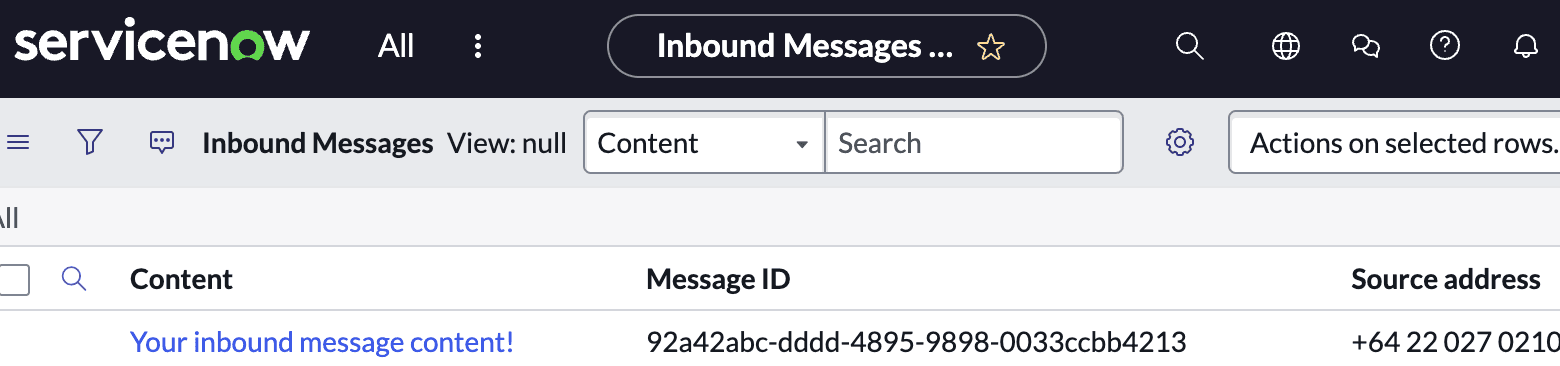
Any SMS received on your messaging provider will be stored in your ServiceNow instance as records on the Inbound Messages table. Many other SMS integrations to CRMs are restricted to only serve you replies, but in ServiceNow we see value in connecting your messaging for unsolicited inbound so you can have processes initiated by your customers or other stakeholders via SMS.
Triggering Workflows
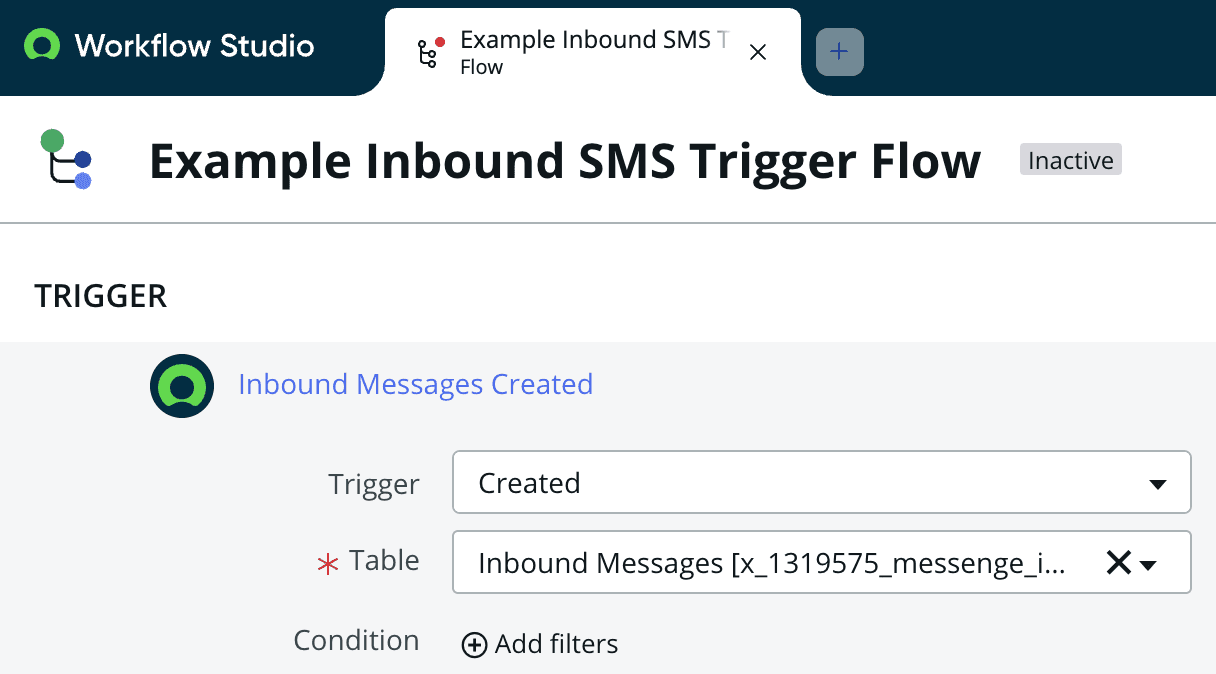
As with sending, this table is accessible via script or flows with the table ID x_1319575_messenge_inbound_messages allowing you to trigger actions upon receiving new messages such as adding a comment to the sender's open incident or searching the data for a more advanced use case like stakeholder sentiment analysis.
Use Cases
Examples of what you can build with inbound messaging:
- Automatically create incidents when customers text a support keyword
- Implement approval flows using SMS replies (e.g., ‘APPROVE’ or ‘REJECT’)
- Update ticket status based on customer responses
- Route urgent messages to on-call teams for immediate escalation
- Perform sentiment analysis on customer feedback received via SMS
Related Documentation
- Set up authentication to enable inbound messaging
- Learn about Flow Designer actions to respond to inbound messages
- View reporting to track inbound message volumes